Discover how Defang enables “Vibe Deploy”: send a natural-language prompt from your IDE, and Defang deploys your project to the cloud reliably and instantly.
"I'm building a project, but it's not really coding. I just see stuff, say stuff, run stuff, and copy-paste stuff. And it mostly works."
Welcome to the world of vibe coding, an AI-assisted, intuition-driven way of building software. You do not spend hours reading diffs, organizing files, or hunting through documentation. You describe what you want, let the AI take a pass, and keep iterating until it works.
The Tools of Vibe Coding
Vibe coding would not exist without a new generation of AI-first tools. Here are some of the platforms powering this new workflow.
While each has it's own strengths and weaknesses, they all support the basic vibe coding workflow described above.
Using Defang for "Vibe Deployment"
Once your app runs locally with these vibe coding tools, the next question is: how do you get it live in the cloud so you can share it with the world?
That is where Defang comes in.
Defang takes your app, as specified in your docker-compose.yml, and deploys it to the public cloud (AWS, GCP, or DigitalOcean) or the Defang Playground with a single command. It is already used by thousands of developers around the world to deploy their projects to the cloud.
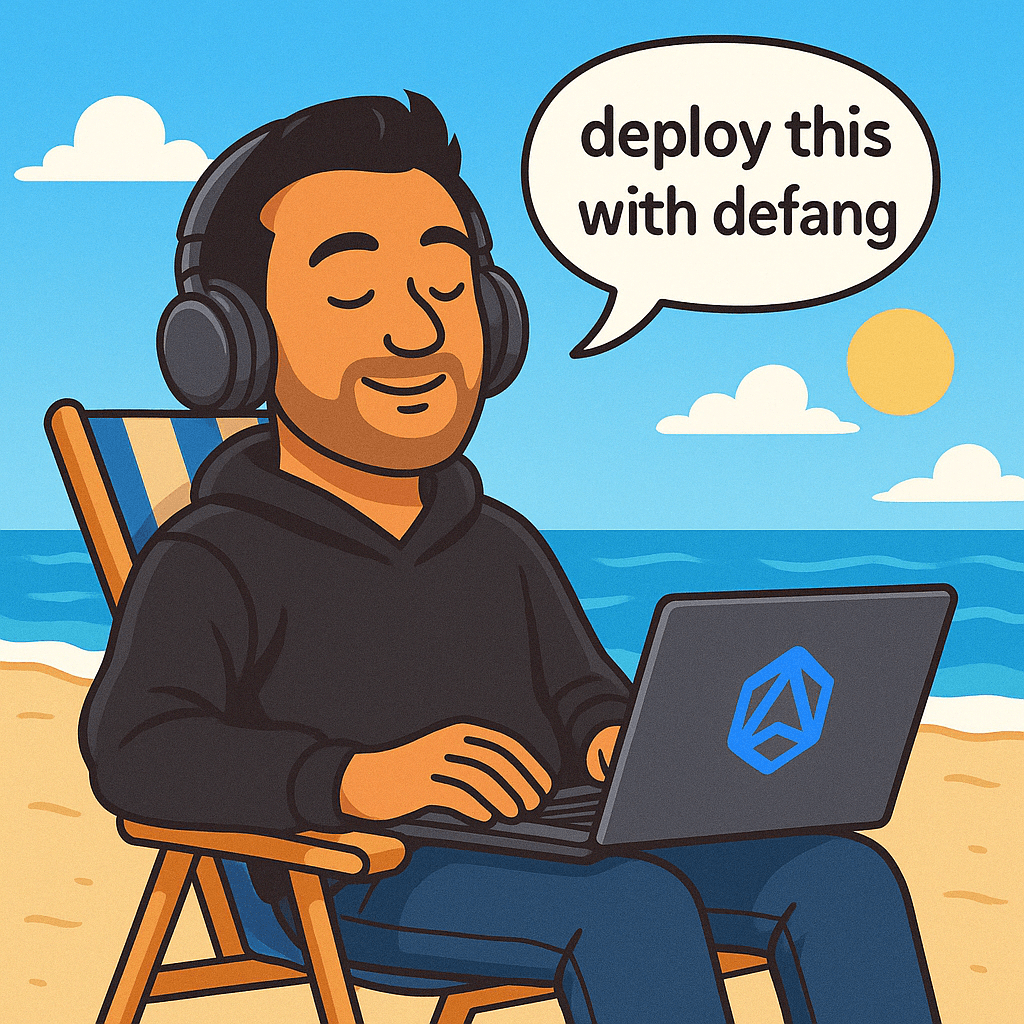
And now with the Defang MCP Server, you can "vibe deploy" your project right from your favorite IDE! Once you have the Defang MCP Server installed (see instructions here), just type in "deploy" (or any variation thereof) in the chat, it's that simple! It is built for hobbyists, vibe coders, fast-moving teams, and AI-powered workflows.
Currently, we support deployment to the Defang Playground only, but we'll be adding deployment to public cloud soon.
How it works:
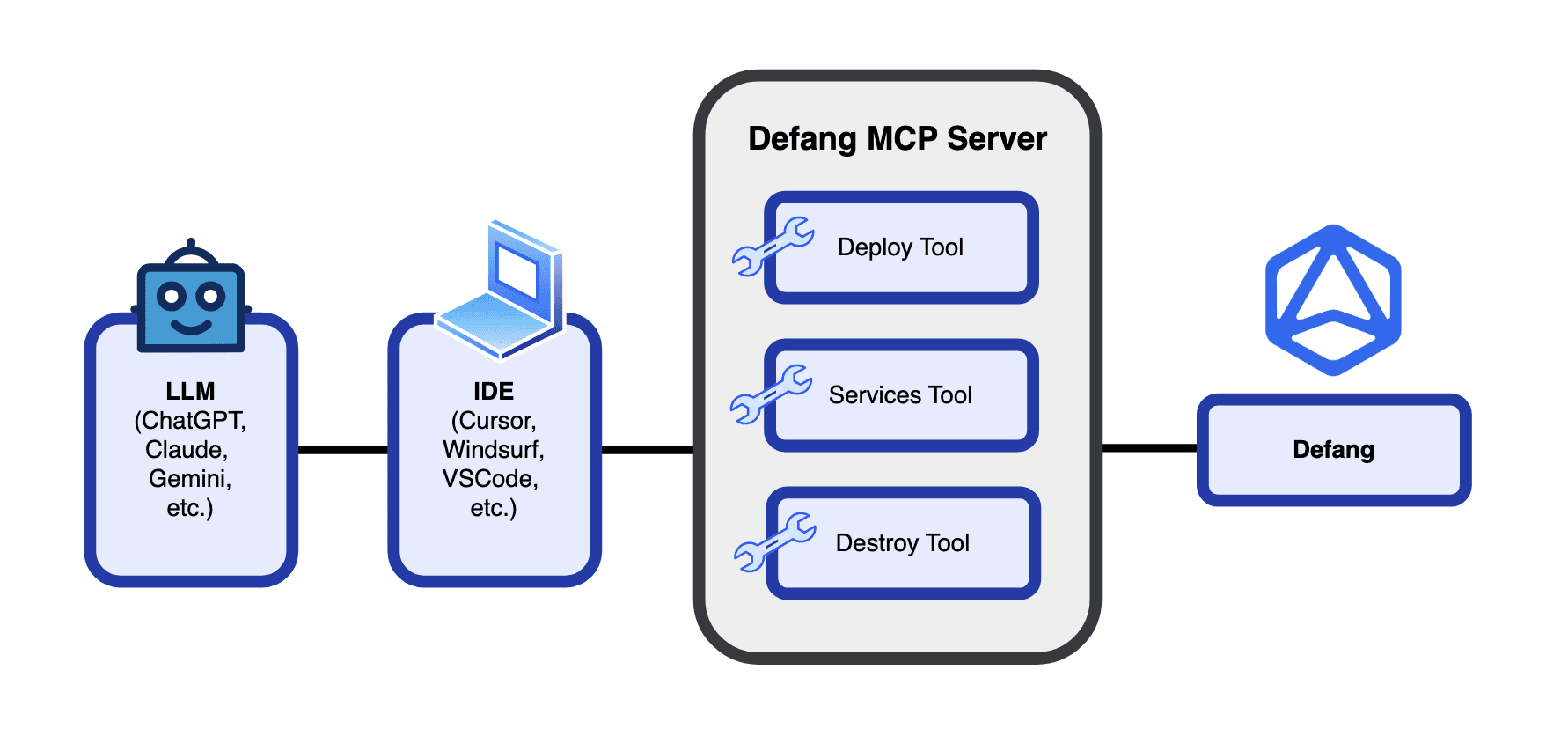
The Defang MCP Server connects your coding editor (like VS Code or Cursor) with Defang's cloud tools, so you can ask your AI assistant to deploy your project just by typing a prompt. While natural language commands are by nature imprecise, the AI in your IDE translates that natural language prompt to a precise Defang command needed to deploy your application to the cloud. And your application also has a formal definition - the compose.yaml file - either something you wrote or the AI generated for you. So, the combination of a formal compose.yaml with a precise Defang command means that the resulting deployment is 100% deterministic and reliable. So the Defang MCP Server gives you the best of both worlds - the ease of use and convenience of natural language interaction with the AI, combined with the predictability and reliability of a deterministic deployment.
We are so excited to make Defang even more easy to use and accessible now to vibe coders. Give it a try and let us know what you think on our Discord!
Related posts
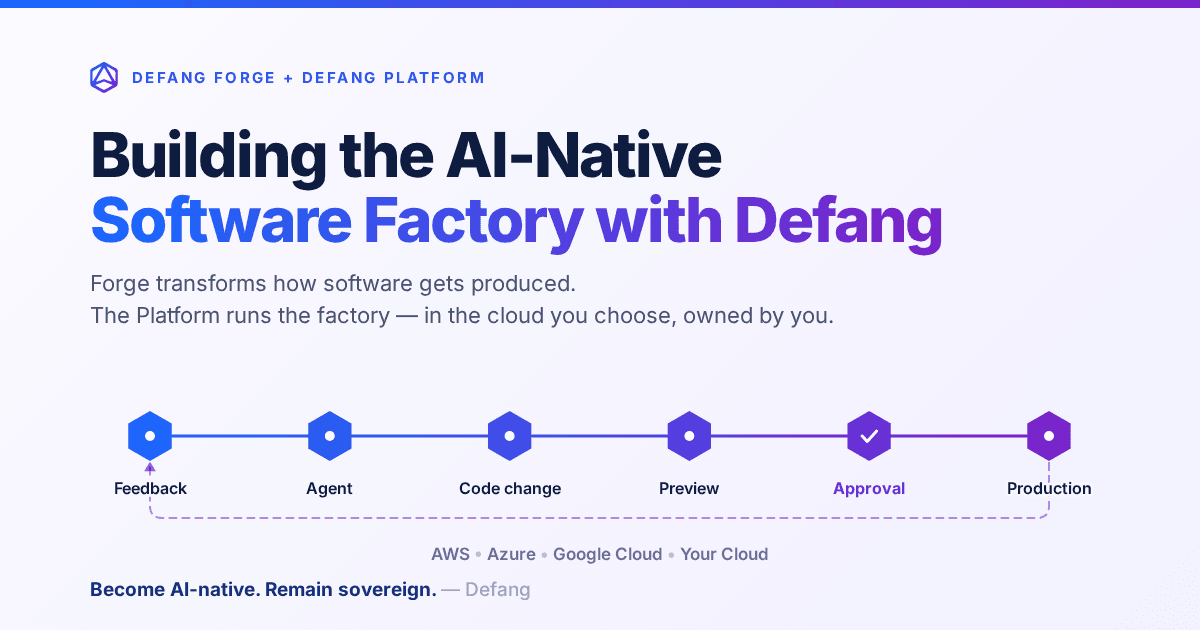
Building the AI-Native Software Factory with Defang
Building an AI-native software factory takes more than a coding agent. It takes people, agents, tools, infrastructure and governance working as one system—and it should belong to you. Here's how Defang Forge and the Defang Platform fit together.
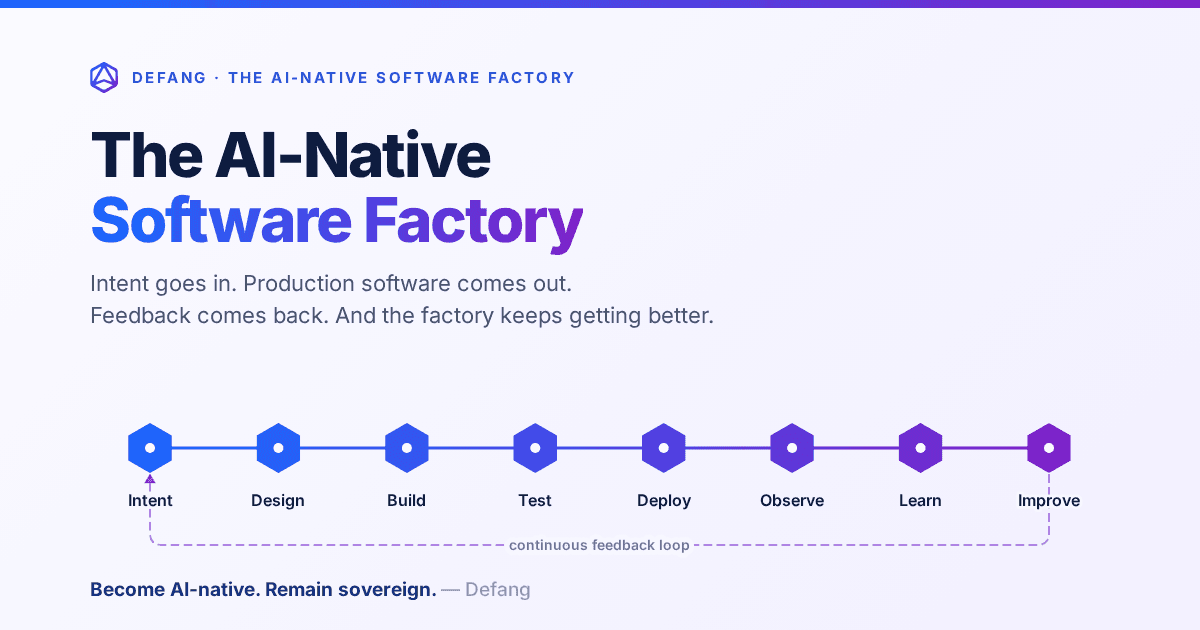
The AI-Native Software Factory
For decades, a true software factory was mostly aspirational. AI changes that: an end-to-end system that continuously turns intent into production software—and production feedback into the next improvement.
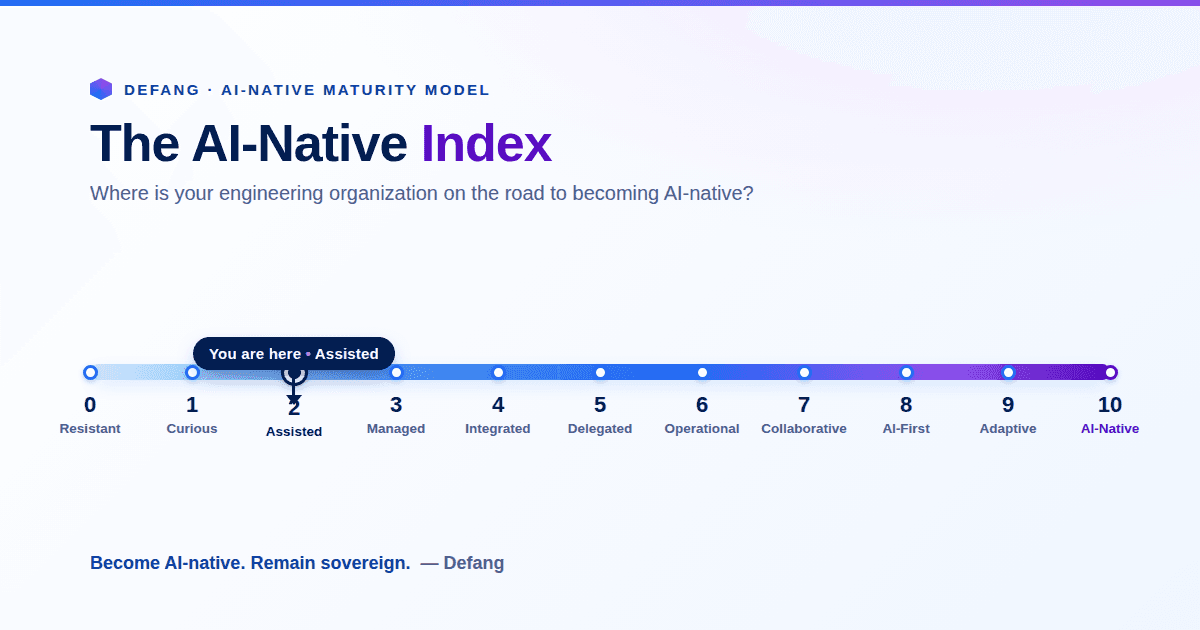
The AI-Native Enterprise: Redesigning Engineering for the AI Era
The next wave of competitive advantage won't come from adopting another AI tool. It will come from redesigning engineering around humans and AI agents working together, while preserving engineering sovereignty.