Defang Blog
June 2024 Defang Compose Update
Windows users get winget install & signed binary. Added one-click deploy from samples, managed Redis rollout, CLI output & error improvements.
Hey folks! We've got another batch of updates to share with you about what the Defang team has been working on over the past month. We're committed to improving your deployment experience, so let's take a look at what's new.
Windows Experience Improvements
For our Windows users out there, we've made some changes to make your Defang experience even smoother:
- You can now install Defang using
winget, the Windows Package Manager, for a streamlined setup - We've introduced a signed binary for added security and peace of mind
Deploying your apps from Windows just got a little bit nicer.
One-click Deploy
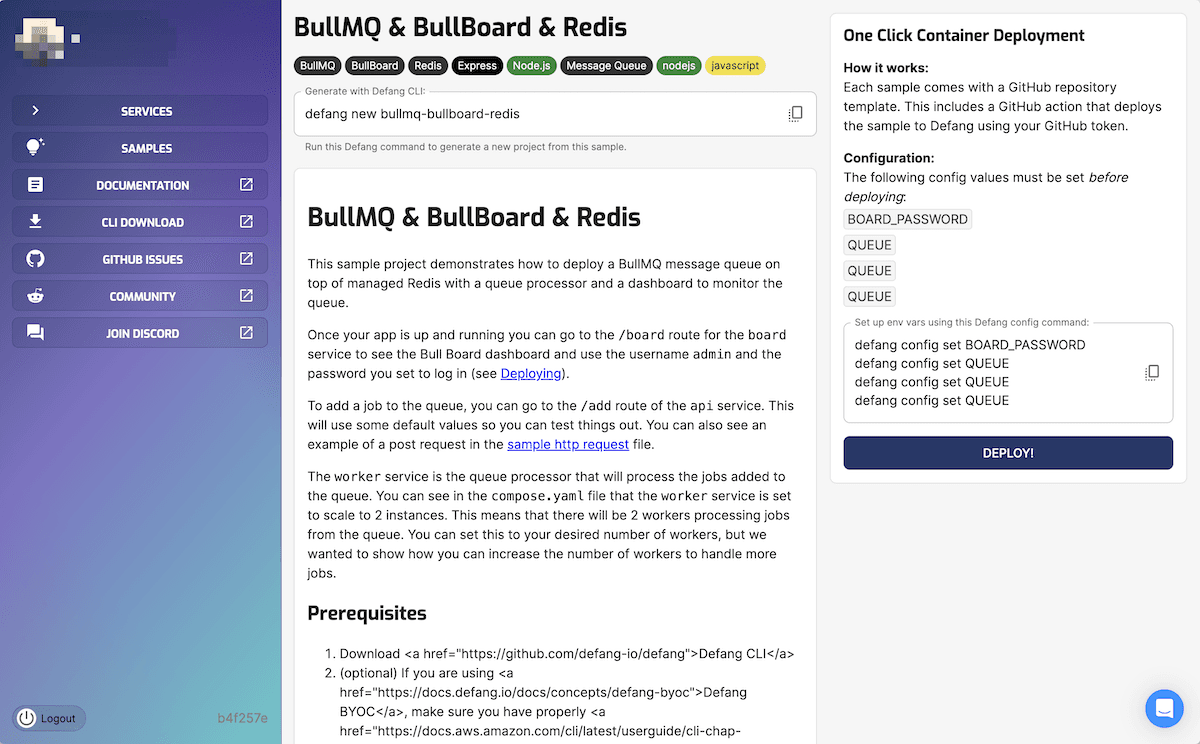
We've added a new feature that will make it even easier to get started with Defang. We've created a flow where each sample provides a button that allows you to immediately deploy a template with a GitHub action which will automatically deploy the sample to the Defang Playground. That means you can easily make changes by committing them to your brand new repo, and everything automatically updates in the Playground. It's a great way to get started with Defang and start experimenting with your own projects.
Try it now from our portal!
Managed Redis Updates
We first introduced this last month, but we've since rolled it out to everyone. We also added a sample that showcases the power of managed Redis: BullMQ with Redis. It demonstrates how you can use BullMQ and BullBoard with a managed Redis instance to create a powerful job queue system so you can easily build robust, scalable applications in AWS with Defang.
Updated Samples
We've updated our sample projects to showcase how to use them with Defang, including:
Check them out if you're looking for some inspiration or a starting point for your own projects.
CLI Updates
We're always looking for ways to enhance the CLI experience. Here's what's new:
npx defangautomatically checks to always have the latest version of the CLI- The output during
defang compose uphas been streamlined to focus on the most important information defang tailnow supports listening to specific services, making it easier to troubleshoot issues- We've improved hints and error messages to better guide you when something goes wrong
- The CLI now has improved color support for light theme terminals, making it easier on the eyes
It's the small refinements that can make a big difference in your workflow.
Other Updates
Here are a few more things that didn't quite fit with the rest:
- Visibility into ECS deployment events in BYOC tail logs
- Improvements to ACME certificate generation
Keep an eye out for these updates in the near future.
As always, we'd love your help shaping the future of Defang, so let us know what you'd like to see next. Happy deploying! 🚀
Related posts
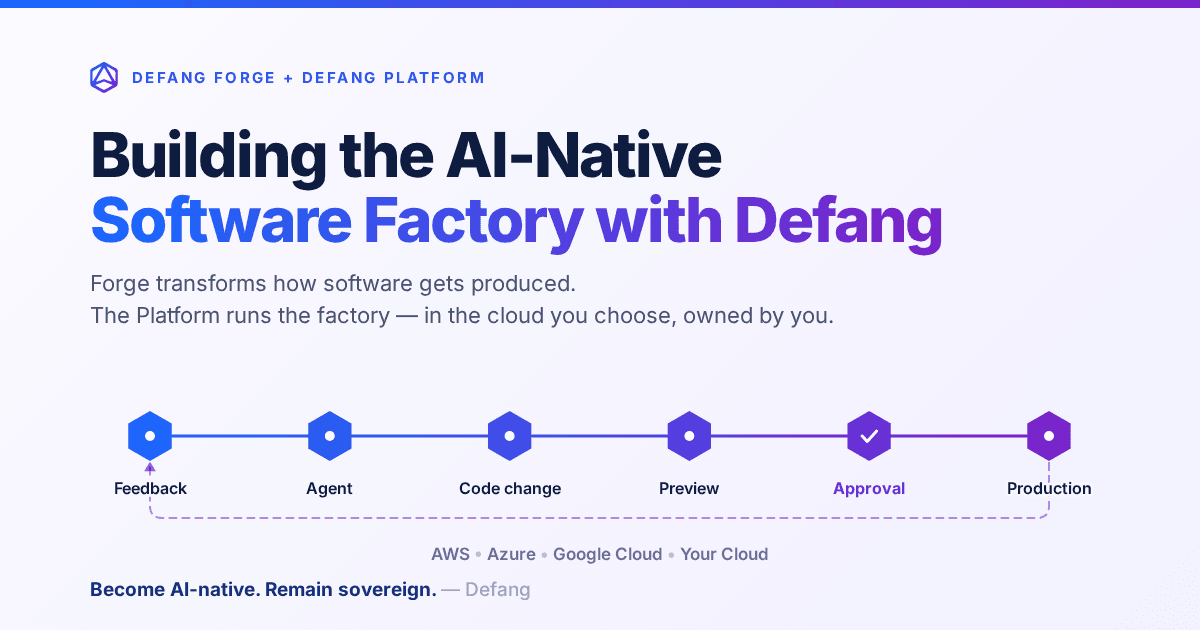
Building the AI-Native Software Factory with Defang
Building an AI-native software factory takes more than a coding agent. It takes people, agents, tools, infrastructure and governance working as one system—and it should belong to you. Here's how Defang Forge and the Defang Platform fit together.
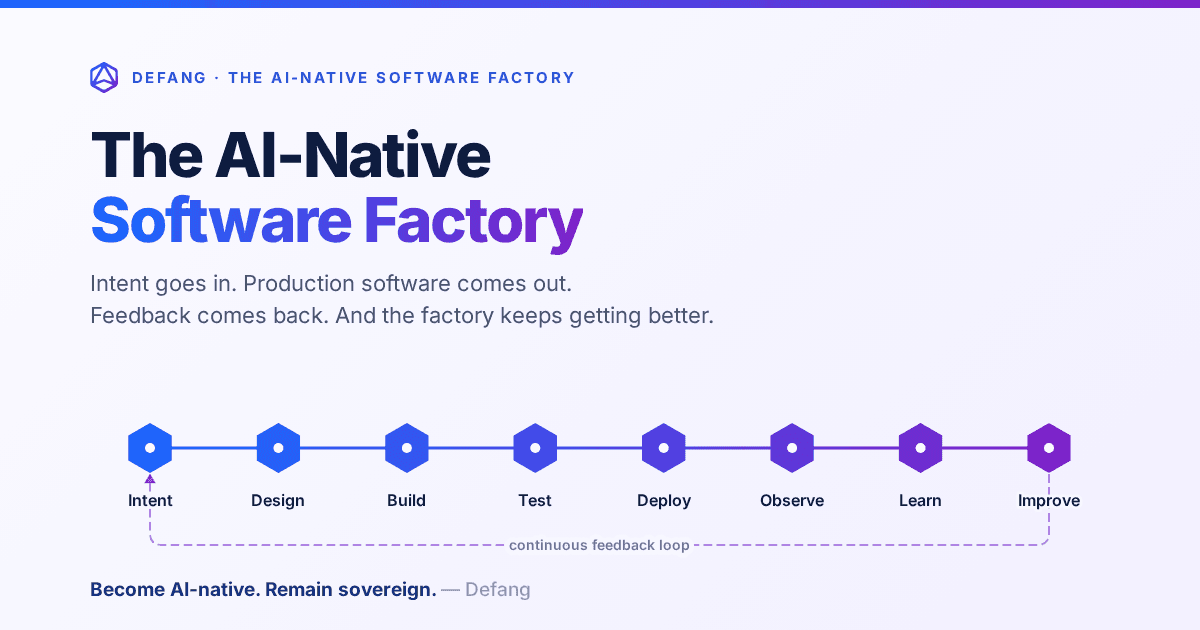
The AI-Native Software Factory
For decades, a true software factory was mostly aspirational. AI changes that: an end-to-end system that continuously turns intent into production software—and production feedback into the next improvement.
The AI-Native Enterprise: Redesigning Engineering for the AI Era
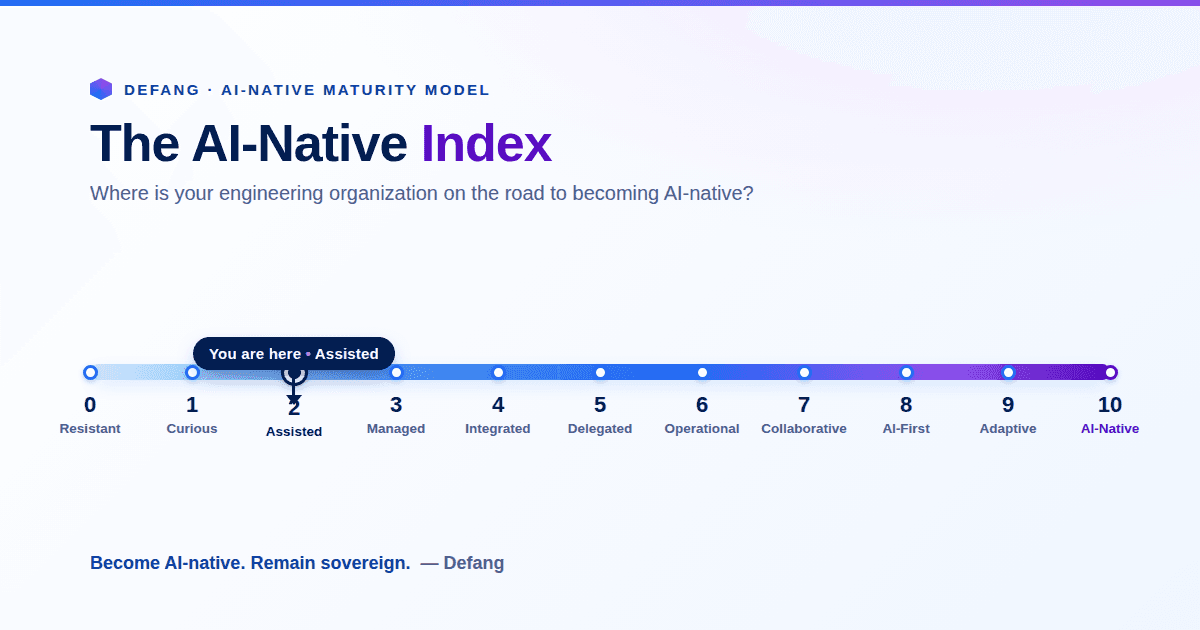
The next wave of competitive advantage won't come from adopting another AI tool. It will come from redesigning engineering around humans and AI agents working together, while preserving engineering sovereignty.