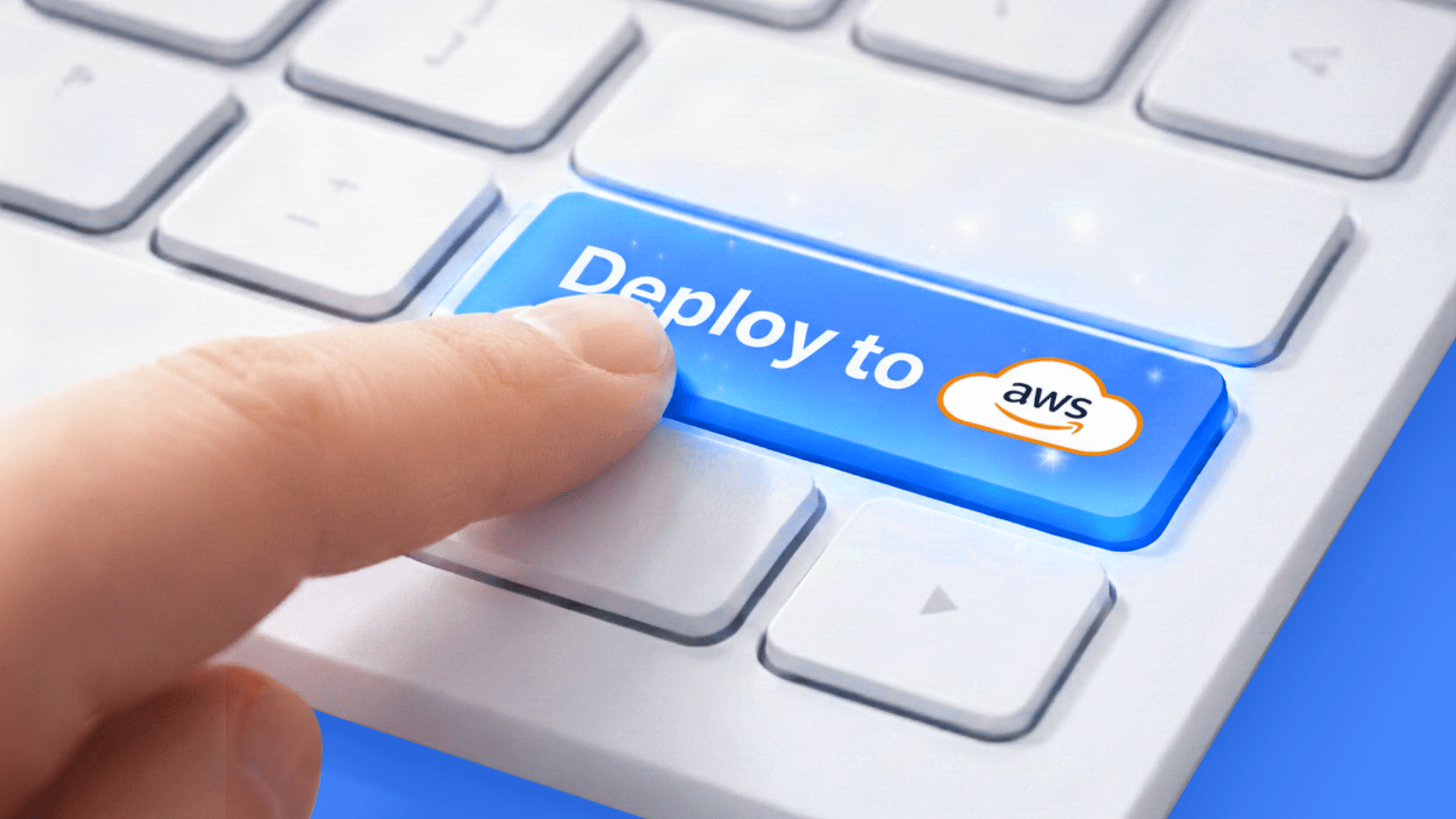
Deploy apps to your AWS account in minutes using Docker Compose. No console, no Kubernetes, no Terraform. Defang automates VPC, load balancers, SSL, and IAM.
Why Is Deploying to AWS So Hard?
AWS has over 200 services. Deploying a single web app means configuring IAM roles, VPC networking, security groups, load balancers, SSL certificates, and a container orchestration service like ECS or EKS. Each has its own terminology, permissions model, and failure modes.
This complexity exists for good reason. AWS serves enterprises running planet-scale infrastructure. But most developers aren't running planet-scale infrastructure. They need a database, a web server, maybe a background worker. The gap between "it works locally" and "it runs in the cloud" shouldn't take days to cross.
AWS recognized this and launched ECS Express Mode, which simplifies container deployment. But you still have to configure IAM roles and VPC settings. The console got simpler. Not simple.
How Does Defang Deploy to AWS Without the Console?
Defang reads your existing Docker Compose file and deploys it to AWS or GCP. No Kubernetes manifests. No Terraform files. No clicking through the console.
The fastest way to get started is git push-to-deploy through the Defang Portal:
- 1. Connect your GitHub repo to your AWS or GCP account via the Defang Portal (uses OIDC, no long-lived credentials)
- 2. Push your code
- 3. Defang deploys automatically to your cloud account
That's it. Every push triggers a deployment. The OIDC connection means there are no AWS access keys to rotate or leak.
Here's a typical compose.yaml:
# compose.yaml — the same file you use locally
services:
  web:
    build: .
    ports:
      - "3000:3000"
    environment:
      - DATABASE_URL
  worker:
    build: ./worker
    depends_on:
      - web
You can also deploy directly from the CLI with defang compose up:
# Log into Defang
defang login

# Make sure you're authenticated with your cloud provider too
# (e.g., AWS env vars or `aws configure`, `gcloud auth login` for GCP)

# Deploy to your own AWS account
defang compose up
When Defang processes your Compose file, it provisions the cloud resources your app needs: VPCs, load balancers, security groups, SSL certificates, and IAM roles. On AWS, your containers run on ECS. On GCP, Cloud Run. You don't need to know the difference.
Your secrets and credentials stay in your cloud account. Defang never stores them. The platform is SOC 2 certified and an AWS Well-Architected Partner.
What Does Defang Provision Automatically?
When you deploy a Compose file to AWS, Defang provisions these resources without any manual configuration:
- → VPC and networking — Private subnets, NAT gateways, and security groups configured with least-privilege rules.
- → Load balancers — Application Load Balancers with SSL termination and automatic certificate management.
- → Container orchestration — ECS services and task definitions mapped from your Compose service definitions.
- → IAM roles — Scoped roles for each service, following the principle of least privilege.
- → SSL certificates — Provisioned and renewed through AWS Certificate Manager.
All of this is managed as infrastructure as code under the hood. Deploying the same Compose file twice produces identical results.
Can I Deploy the Same App to Multiple Clouds?
Yes. The same compose.yaml deploys to AWS or GCP. On AWS, services run on ECS. On GCP, they run on Cloud Run. Defang maps Compose service definitions to each provider's native container platform directly.
This isn't Kubernetes running on multiple clouds. Defang uses each cloud's native container services, so you get the reliability and pricing model of the underlying platform without operating a K8s cluster.
For teams that need multiple environments, stacks keep them independent:
defang stack new dev
defang stack new staging
defang stack new production
How Does Defang Compare to Other BYOC Platforms?
| Feature | Defang | Northflank | Qovery | Porter | AWS Native |
|---|---|---|---|---|---|
| Deploy to your own cloud | Yes (AWS, GCP) | Yes (AWS, GCP, Azure) | Yes (AWS, GCP, Azure) | Yes (AWS) | Yes |
| Primary interface | Docker Compose | Custom UI/CLI | Custom UI/CLI | Custom UI/CLI | Console/CLI/IaC |
| Kubernetes required | No | Yes (managed) | Yes (managed) | Yes (managed) | Optional (EKS) |
| Docker Compose support | Native (primary interface) | Partial | Partial | No | No |
| Git push-to-deploy | Yes (OIDC) | Yes | Yes | Yes | CodePipeline |
| Auto-provisions networking | Yes | Yes | Yes | Yes | No |
| Auto-provisions SSL | Yes | Yes | Yes | Yes | Manual or ACM |
| Multi-cloud from same config | Yes | Yes | Yes | No | No |
| Free tier | Yes (Hobby) | Yes (limited) | Yes (limited) | No | Free tier (limited) |
| Secrets stay in your cloud | Yes | Yes | Yes | Yes | Yes |
The key distinction is the interface. Northflank, Qovery, and Porter all use Kubernetes as their orchestration layer, even when they abstract some of it away. If you need to customize behavior, you eventually need to understand pods, services, ingresses, and Helm charts.
Defang doesn't use Kubernetes at all. It maps Compose services directly to cloud-native container platforms. Fewer abstractions mean fewer things to debug when something goes wrong.
What About Docker Kanvas?
Docker launched Kanvas in January 2026 to convert Docker Compose files into Kubernetes artifacts. Useful if your target is a Kubernetes cluster. But Kanvas doesn't handle cloud provisioning. It generates manifests; you still need a cluster, networking, and a deployment pipeline.
Defang handles the entire path from Compose file to running cloud infrastructure. Different problems.
How Do I Get Started?
The quickest path: connect your GitHub repo through the Defang Portal.
- 1. Sign up at portal.defang.io
- 2. Connect your GitHub repo and your AWS or GCP account (OIDC setup, no access keys)
- 3. Push to your repo
- 4. Defang deploys to your cloud account automatically
If you prefer the CLI:
# Create a stack for your AWS account
defang stack new production

# Deploy
defang compose up
Either way, Defang provisions all the infrastructure in your cloud account. Same Compose file, real production infrastructure.
Can I Deploy from My IDE?
Defang provides an MCP Server integration that works with VS Code, Cursor, Windsurf, Claude Code, Kiro, and Rovo. You can trigger deployments, check service status, and stream logs without leaving your editor.
For teams that prefer the terminal, the CLI covers the full workflow: deploying, tailing logs, managing configuration, and tearing down environments.
Frequently Asked Questions
Do I need to install anything on my cloud account first? ▼
No. Defang handles the initial setup when you connect your cloud account through the Portal. The OIDC connection provisions the necessary infrastructure through code, with no long-lived credentials stored anywhere.
What if I want to stop using Defang? ▼
Your infrastructure runs in your own cloud account. The resources Defang provisions (ECS services, load balancers, VPCs) are standard cloud resources. You can manage them directly if you move away.
Does it work with private Docker registries? ▼
Yes. Defang supports building images from your source code and pulling from private registries, following standard Docker Compose conventions for image references.
Is there a way to manage environment-specific configuration? ▼
Yes. defang config manages configuration and secrets per environment. Secrets are stored in your cloud provider's secret management service, not on Defang's infrastructure.
Related: Configuration Guide
How is this different from just using Terraform or Pulumi directly? ▼
Terraform and Pulumi give you full control over every resource. Defang uses infrastructure as code under the hood but presents a higher-level interface: your Docker Compose file. You trade granular control for speed and simplicity. For most web applications, the defaults Defang provides are the same ones an experienced cloud architect would configure.
Related: Pulumi Integration
Common Errors
Error: "Authentication failed for AWS provider"
This occurs when Defang cannot authenticate with your AWS account. Common causes include expired credentials or missing environment variables.
Solution: Verify your AWS credentials are set correctly:
# Option 1: Use AWS profile
export AWS_PROFILE=my-profile
export AWS_REGION=us-east-1

# Option 2: Use access keys
export AWS_ACCESS_KEY_ID=AKIAIOSFODNN7EXAMPLE
export AWS_SECRET_ACCESS_KEY=wJalrXUtnFEMI/K7MDENG/bPxRfiCYEXAMPLEKEY
export AWS_REGION=us-east-1

# Verify authentication
aws sts get-caller-identity
Error: "Service failed to deploy - health check timeout"
This happens when your service doesn't respond to health checks within the expected timeframe. Common causes include missing dependencies, incorrect port configurations, or application crashes.
Solution: Check your health check configuration in compose.yaml and ensure your application is listening on the correct port:
services:
  web:
    build: .
    ports:
      - "3000:3000"
    healthcheck:
      test: ["CMD", "curl", "-f", "http://localhost:3000/health"]
      interval: 30s
      timeout: 90s
      retries: 3
If your application doesn't have a health endpoint, consider adding one or adjusting the health check configuration.
TL;DR
Deploy Docker Compose apps to your AWS account in minutes—no console, no Kubernetes. Defang automates VPC, load balancers, SSL, and IAM roles while keeping secrets in your cloud account.
Get Started Today
Deploy your application to production in minutes.
Related posts
Introducing Defang Forge: Helping Companies Build for the AI-Native Era
Today, we are excited to introduce Defang Forge, a new engineering practice from Defang that helps organizations design, build, and deploy AI-native software.
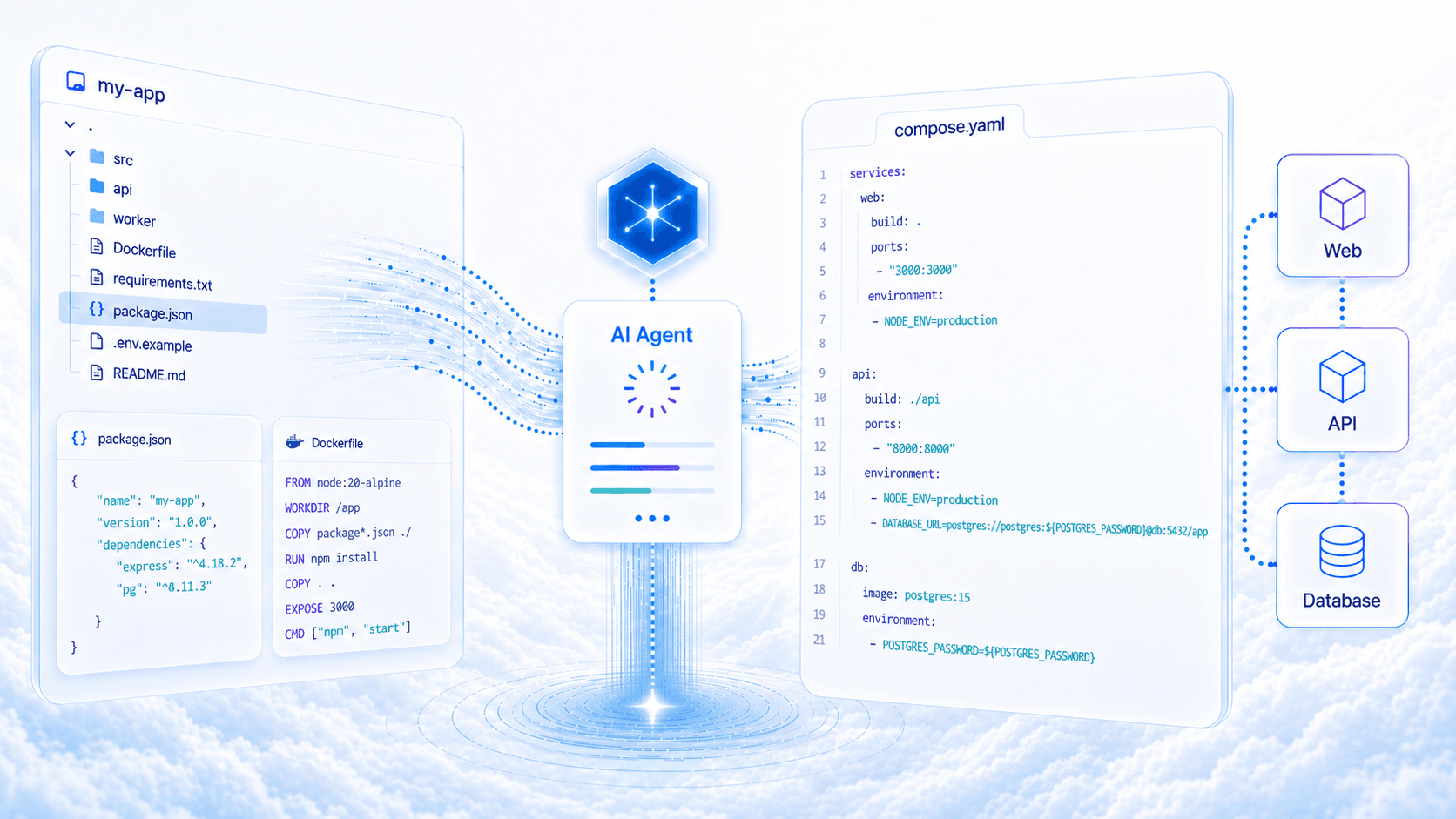
An AI Agent That Reads Your Repo and Writes Your Compose File
The Defang Portal now includes an AI-powered Compose file generator. Point it at a GitHub repo, and an agent analyzes your code, reads your dependencies, and produces a production-ready compose.yaml. You can also watch the work happen in real time.
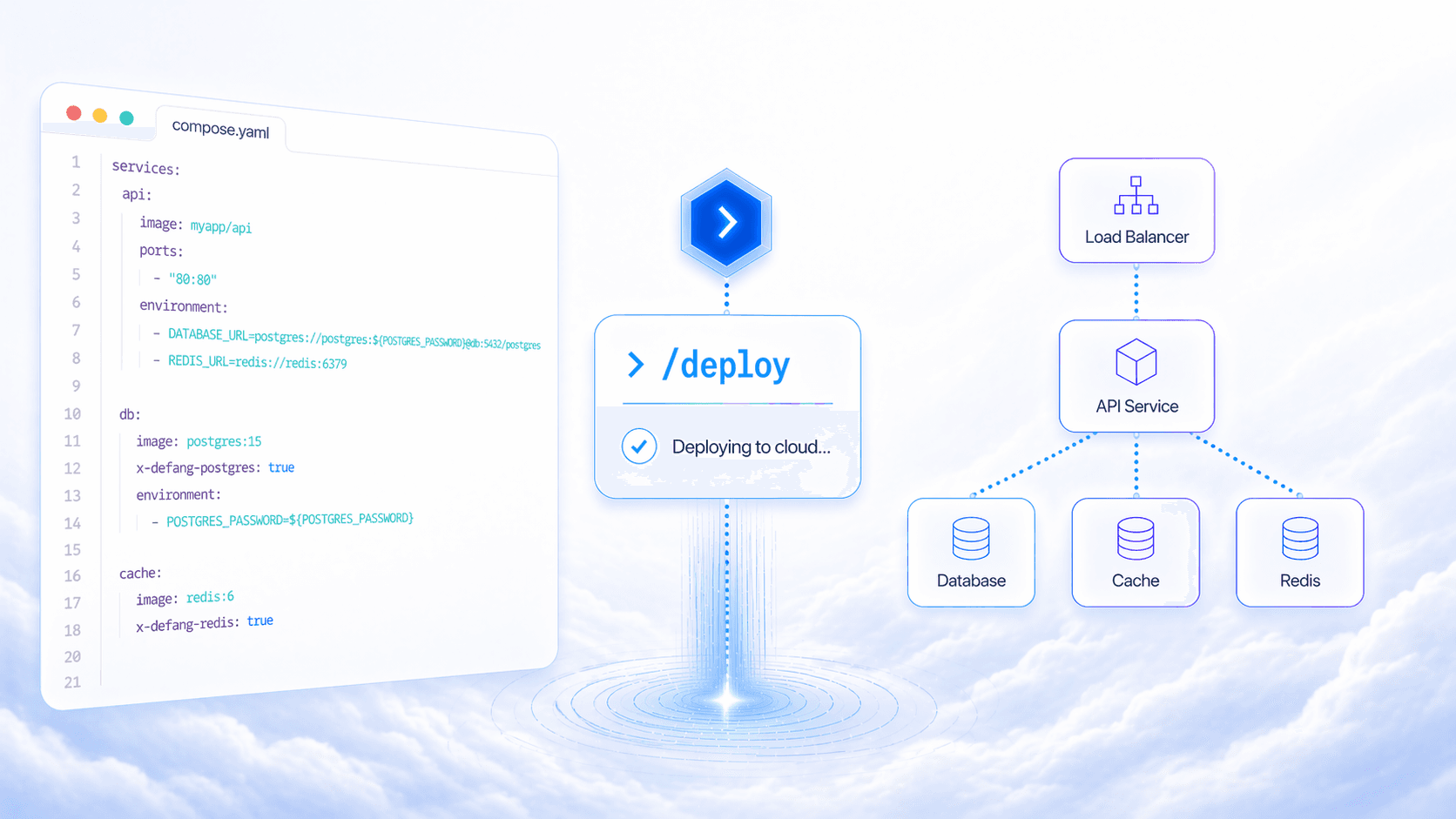
Your Coding Agent Just Learned to Deploy
Defang now ships skills for Claude Code and Codex. Type /defang:deploy in your AI coding agent and it handles CLI setup, authentication, stack creation, config, and deployment, step by step, inside your editor.