Defang Blog
Defang is live on Product Hunt!
Defang V1 goes live on Product Hunt. Join the launch, vote, share feedback, and help spread the word about our cloud deployment platform.
The moment is finally here – Defang V1 is officially LIVE on Product Hunt! 🎉

Go to our Product Hunt page.
Over the past few months, our team has been working tirelessly to create a tool that transforms how developers develop, deploy, and debug cloud apps. With Defang, you can go from idea to your favorite cloud in minutes. 🚀
Today, we have the opportunity to showcase Defang to a global audience, and your support could make all the difference!
If you already have a Product Hunt account, it's super easy.
- ✅ You can support our product if you like what we have built so far
- ✅ You can leave a comment and any feedback you may have (comments are great!)
- ✅ You can leave a review
Product Hunt launches are time sensitive as they last 24 hours, so if you have 30 seconds available right now, it would really mean a lot.
If you don't already have a Product Hunt account, please don't create one now to upvote (we may get penalized for that).
Instead, you can like and share our (e.g. LinkedIn, Twitter, Instagram or Facebook) posts . Thank you in advance. Your support means the world.
Related posts
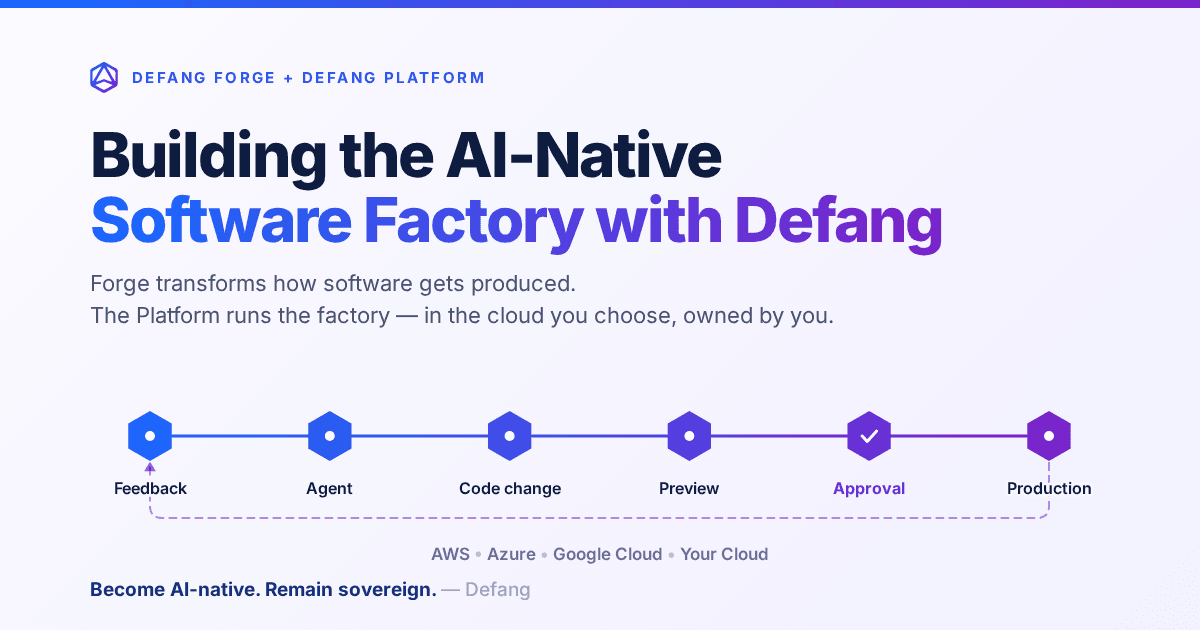
Building the AI-Native Software Factory with Defang
Building an AI-native software factory takes more than a coding agent. It takes people, agents, tools, infrastructure and governance working as one system—and it should belong to you. Here's how Defang Forge and the Defang Platform fit together.
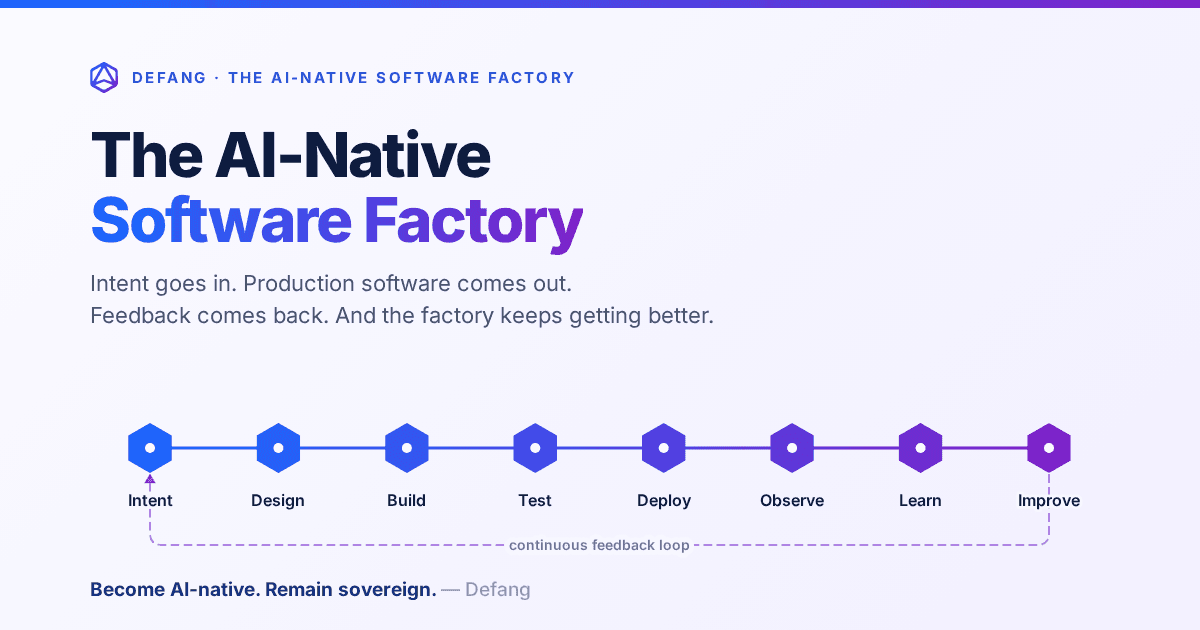
The AI-Native Software Factory
For decades, a true software factory was mostly aspirational. AI changes that: an end-to-end system that continuously turns intent into production software—and production feedback into the next improvement.
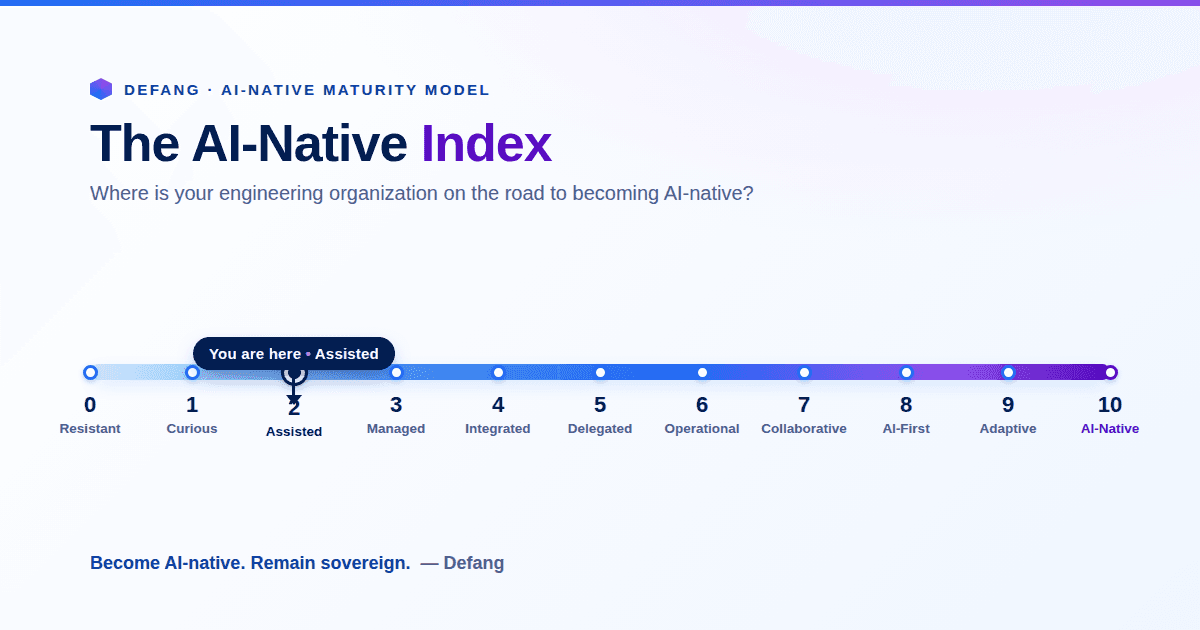
The AI-Native Enterprise: Redesigning Engineering for the AI Era
The next wave of competitive advantage won't come from adopting another AI tool. It will come from redesigning engineering around humans and AI agents working together, while preserving engineering sovereignty.