Deploy to your own AWS or GCP account with zero vendor lock-in. Get PaaS simplicity with full infrastructure control, compliance, and portability.
TL;DR
You can have PaaS simplicity without vendor lock-in. Deploy directly to your own AWS or GCP account using standard containers and infrastructure. Keep full control, use your cloud credits, maintain compliance, and switch platforms anytime without rewriting code.
Getting your application from localhost to production shouldn't mean surrendering control of your infrastructure forever. Yet that's exactly what happens when developers choose traditional PaaS solutions that trap their code, data, and infrastructure in proprietary ecosystems.
The good news: you can have the simplicity of managed deployment without the lock-in. This guide breaks down exactly how.
What is Cloud Vendor Lock-in?
Cloud vendor lock-in occurs when switching from one cloud provider or deployment platform to another becomes prohibitively expensive, time-consuming, or technically complex. You're essentially stuck with a vendor regardless of whether they remain competitive, raise prices, or fail to meet your evolving needs.
The lock-in manifests in several ways:
Technical Lock-in
Technical lock-in happens when your application depends on proprietary services, APIs, or configurations that don't exist elsewhere. Amazon RDS, AWS Lambda, and Google Cloud Spanner are all examples of services that create deep technical dependencies.
Data Lock-in
Data lock-in occurs when your data lives in formats or locations that make extraction and migration difficult. Egress fees compound this problem significantly. Moving large datasets between providers can cost thousands of dollars in transfer fees alone.
Operational Lock-in
Operational lock-in emerges when your team develops expertise specific to one platform. When engineers specialize deeply in AWS, asking them to rebuild everything on GCP means either retraining your entire team or replacing them.
Contractual Lock-in
Contractual lock-in results from long-term commitments, minimum spending requirements, or service agreements that penalize switching.
Why Traditional PaaS Creates Lock-in
Traditional Platform-as-a-Service solutions like Heroku, Railway, and Render offer compelling simplicity: connect your repo, push code, get a URL. But this convenience comes with significant trade-offs.
- → Your application runs on their infrastructure. This means your data flows through their systems, your secrets live in their vaults, and your application's availability depends entirely on their uptime. This might be ok for small startups, but it is not ok for their enterprise customers who have spent a lot of time and effort to secure and certify their cloud environment.
- → Proprietary abstractions hide the real infrastructure. When platforms abstract away containers, networking, and orchestration behind custom interfaces, you lose the ability to port your deployment configuration elsewhere. A Heroku Procfile doesn't translate to a Kubernetes manifest.
- → You can't use your existing cloud credits or commitments. Many enterprises have negotiated rates, reserved instances, or committed spend with AWS or GCP. Traditional PaaS forces you to pay retail prices to a third party instead.
- → Compliance becomes complicated. When customer data lives in a vendor's multi-tenant environment, demonstrating HIPAA compliance, SOC 2 certification, or GDPR data residency becomes significantly more complex.
- → Security policies are set by the vendor. You inherit whatever security posture the platform provides. If it doesn't match your requirements, you have no recourse.
The New Approach: Deploy to Your Own Cloud Account
A fundamentally different approach has emerged: deployment platforms that provision and manage infrastructure directly in your own AWS or GCP account.
This model gives you the developer experience of a PaaS with the control and ownership of running your own infrastructure:
- → Everything runs in your VPC. Your containers, databases, secrets, and logs stay in your cloud account. The deployment platform connects via API credentials to provision resources, but never holds your data.
- → Standard infrastructure primitives. Instead of proprietary abstractions, you get standard containers, managed Kubernetes, or native cloud services you could manage yourself if needed.
- → Direct cloud billing. Your costs appear on your existing cloud bill, using your negotiated rates, reserved instances, and committed spend.
- → Platform-independent applications. Your containerized application can run anywhere containers run. If you ever want to self-manage or switch platforms, your application works without modification.
Key Strategies for Avoiding Lock-in
1. Containerize Everything
Docker containers provide the foundation for portability. A containerized application includes its runtime, dependencies, and configuration in a single portable unit that runs consistently across any infrastructure supporting containers.
When you build your application as a container:
- → It runs the same way in development, testing, and production
- → You can deploy to any cloud provider's container service
- → Your deployment configuration becomes infrastructure-agnostic
- → You're not locked into any specific runtime or language version managed by your platform
Containers alone don't guarantee portability, but they're a prerequisite for it.
2. Use Standard Orchestration
Kubernetes has become the industry standard for container orchestration. Every major cloud provider offers managed Kubernetes: Amazon EKS and Google GKE. This standardization means your Kubernetes manifests and configurations work across providers.
When selecting a managed deployment platform, ensure it:
- → Deploys to standard Kubernetes or cloud-native container services
- → Exports configuration in standard formats you could use independently
- → Doesn't require proprietary agents or sidecars that create dependencies
3. Prefer Open-Source Databases
Proprietary databases create some of the deepest lock-in. Amazon Aurora, Google Cloud Spanner, and Azure Cosmos DB are excellent services, but migrating away from them requires rewriting application code, not just infrastructure.
Open-source databases like PostgreSQL, MySQL, and MongoDB provide comparable features while maintaining portability. You can run them as managed services on any cloud or self-host if needed.
4. Avoid Proprietary Integrations
Each cloud provider offers hundreds of services designed to solve specific problems. The convenience of these services comes with lock-in costs:
- → AWS SQS doesn't work outside AWS
- → Google Cloud Pub/Sub doesn't work outside GCP
Where possible, use cloud-agnostic alternatives or design applications with clean interfaces that abstract provider-specific integrations.
5. Maintain Data Portability
Your data represents your most valuable and difficult-to-move asset. Protect portability by:
- → Storing data in standard formats rather than proprietary structures
- → Documenting data models and schemas thoroughly
- → Testing backup and restore procedures regularly
- → Understanding egress costs and planning for them
6. Keep Infrastructure as Code
Infrastructure defined in code can be recreated, modified, and ported. Terraform, Pulumi, and CloudFormation (AWS-specific) allow you to version control your infrastructure and understand exactly what's deployed.
Choose deployment platforms that:
- → Export infrastructure definitions you can review
- → Allow you to eject and manage infrastructure directly if needed
- → Don't hide critical configuration behind proprietary interfaces
Why This Matters for AI Agents
The deployment challenge intensifies for AI agent applications. Enterprises increasingly require AI systems to run within their own cloud accounts rather than on managed platforms.
The reasons are compelling:
- → Security and compliance. AI agents often access sensitive business data, customer information, or proprietary systems. Keeping this within the enterprise cloud environment maintains existing security controls.
- → Data residency. Regulations like GDPR require data to stay within specific geographic regions. Running AI agents in your own cloud account ensures data never leaves controlled infrastructure.
- → Auditability. Enterprise compliance requires detailed audit logs of what AI systems access and do. Managing infrastructure directly enables comprehensive logging and monitoring.
- → Cost transparency. AI workloads, especially those running large language models, can generate significant compute costs. Direct cloud billing provides visibility and control over spending.
Frameworks like CrewAI, LangGraph, AutoGen, and n8n build AI agent applications. Deploying these to production requires the same portability and control considerations as any other containerized application, often with additional compliance requirements.
Related: Managed LLM Integration | Security
Evaluating Deployment Platforms for Lock-in Risk
When choosing a managed deployment platform, evaluate these factors:
- → Where does infrastructure run? Does the platform run containers in your cloud account or on shared infrastructure you don't control?
- → What do you own? Would your application continue running if the platform disappeared tomorrow? Can you access and manage the underlying resources?
- → How standard is the output? Can you export Kubernetes manifests, Terraform configurations, or other standard formats?
- → What about data? Where do secrets, environment variables, and application data live? Can you audit access?
- → How is billing handled? Do you pay the platform, or does infrastructure cost appear on your cloud bill?
- → What happens if you leave? Is there a documented migration path? How much effort would switching require?
| Factor | Traditional PaaS | Deploy-to-Your-Account ✨ |
|---|---|---|
| Infrastructure ownership | Vendor-controlled multi-tenant | Your own VPC and resources |
| Data location | Vendor's infrastructure | Your cloud account |
| Billing | Vendor markup on retail prices | Direct cloud billing at your rates |
| Portability | Proprietary abstractions | Standard containers and configs |
| Compliance | Inherit vendor's posture | Full control over security policies |
| Exit strategy | Rebuild from scratch | Infrastructure continues running |
The Deploy-to-Your-Account Model
Platforms that deploy directly to customer cloud accounts represent a fundamentally different approach to managed deployment. Instead of hosting your applications, they act as an orchestration layer that provisions and manages resources in your own environment.
This model provides:
- → Zero vendor lock-in. Your containers run on standard cloud services. If you stop using the platform, your applications continue running exactly as configured.
- → Direct cloud provider relationship. Your infrastructure appears on your AWS or GCP bill. You use your negotiated rates and existing commitments.
- → Full control. You maintain root access to your infrastructure. You can customize security policies, networking, and configuration to match your requirements.
- → Compliance ready. Data never leaves your environment. You maintain complete control over data residency, access controls, and audit logging.
- → Simple onboarding. Despite deploying to your own infrastructure, the experience remains simple. Good platforms handle all the complexity of cloud provisioning while exposing only what developers need.
💡 Pro Tip
When evaluating deployment platforms, ask to see the actual infrastructure they provision in your account. Platforms that deploy to your own cloud should be transparent about what resources they create and how they're configured.
Related: BYOC Overview | Deploy to AWS | Deploy to GCP
Frequently Asked Questions
How do I deploy to my own AWS or GCP account? ▼
Deploying to your own cloud account with Defang is straightforward:
- Install the Defang CLI:
npm install -g defang - Set your cloud credentials (AWS or GCP)
- Run
defang compose up --provider=awsor--provider=gcp
Defang provisions all necessary infrastructure (VPC, load balancers, container services, databases) directly in your account. You maintain full access and control.
Related: Getting Started Guide | Deploy to AWS Tutorial
What happens to my infrastructure if I stop using the platform? ▼
With bring-your-own-cloud-account tools like Defang, your infrastructure continues running in your cloud account even if you stop using the tool. Here's what you retain:
- All containers running on ECS Fargate (AWS) or Cloud Run (GCP)
- Managed databases (RDS, Cloud SQL)
- Load balancers and networking configuration
- SSL certificates and DNS records
- All application data and logs
- Security configurations like IAM, Security Groups, etc.
You can manage these resources directly through the AWS or GCP console, or migrate to another deployment tool. Your application code is containerized and portable.
Related: Compose Files
How do I handle sensitive configuration like API keys and database passwords? ▼
Defang provides a secure config system for managing sensitive values:
defang config set API_KEY
This prompts you to enter the value securely (no echo to terminal). The value is encrypted and stored in your cloud account's secrets manager (AWS Secrets Manager or GCP Secret Manager).
Reference config values in your compose.yaml:
environment:
  API_KEY:  # Loaded from defang config
Related: Configuration Management | Environment Variables Tutorial
Can I use my existing cloud credits and reserved instances? ▼
Yes. When you deploy to your own AWS or GCP account, all infrastructure costs appear on your existing cloud bill. This means:
- You use your negotiated enterprise rates
- Reserved instances and committed spend apply automatically
- Cloud credits reduce your bill as normal
- You see itemized costs for each resource
There's no markup or middleman. You pay AWS or GCP directly at your contracted rates.
Related: Pricing
How does this approach help with compliance requirements? ▼
Deploying to your own cloud account simplifies compliance in several ways:
- Data residency: All data stays in your VPC and region. You control where resources are provisioned.
- Audit trails: CloudWatch (AWS) or Cloud Logging (GCP) capture all activity in your account.
- Access control: You manage IAM policies and can enforce MFA, IP restrictions, etc.
- Encryption: Data is encrypted at rest and in transit using your cloud provider's native encryption.
- Certifications: You inherit your cloud provider's compliance certifications (SOC 2, HIPAA, GDPR, etc.)
Because the deployment platform never holds your data, you avoid the complexity of third-party vendor assessments.
Related: Security
Common Deployment Errors
Error: "AWS credentials not found"
This occurs when deploying to AWS without valid credentials configured.
Solution: Set your AWS credentials before deployment:
export AWS_ACCESS_KEY_ID=your_key_id
export AWS_SECRET_ACCESS_KEY=your_secret_key
export AWS_REGION=us-east-1
Or use an AWS profile:
export AWS_PROFILE=my-profile
Error: "Service healthcheck failing"
Your service is deploying but failing healthchecks, causing continuous restarts.
Solution: Verify your healthcheck configuration matches your application:
healthcheck:
  test: ["CMD", "curl", "-f", "http://localhost:8080/health"]
  interval: 30s
  timeout: 90s
  retries: 3
Ensure the healthcheck endpoint exists and returns 200 OK. Check that curl or wget is installed in your container.
Error: "POSTGRES_PASSWORD not set"
Managed Postgres requires a password to be configured before deployment.
Solution: Set the password using defang config:
defang config set POSTGRES_PASSWORD
Then reference it in your compose.yaml:
services:
  database:
    image: postgres:18
    x-defang-postgres: true
    environment:
      POSTGRES_PASSWORD:  # Loaded from defang config
Error: "Port already in use"
This typically occurs during local development when a port is already bound.
Solution: Either stop the conflicting process or change your service's port mapping in compose.yaml. For production deployments to AWS/GCP, this error shouldn't occur as Defang manages port allocation automatically.
Summary: The Best of Both Worlds
Avoiding vendor lock-in doesn't mean giving up the simplicity of managed deployment. The choice isn't between Heroku-style convenience and Kubernetes complexity.
Modern deployment platforms prove you can have both:
- → One-command deployment simplicity
- → Applications running in your own cloud account
- → Standard containers you could deploy anywhere
- → Direct cloud billing using your existing rates
- → Full access to underlying infrastructure
- → No proprietary dependencies locking you in
The deployment problem is solved. What matters now is choosing solutions that solve it without creating new problems around control, compliance, and portability.
When evaluating your deployment strategy, remember: the best platform is one you can leave. Ironically, platforms that make leaving easy are also the ones you're most likely to stay with, because they earn your business through value rather than lock-in.
Get Started Today
Deploy to your own AWS or GCP account with zero vendor lock-in. Get PaaS simplicity with full infrastructure control.
Related posts
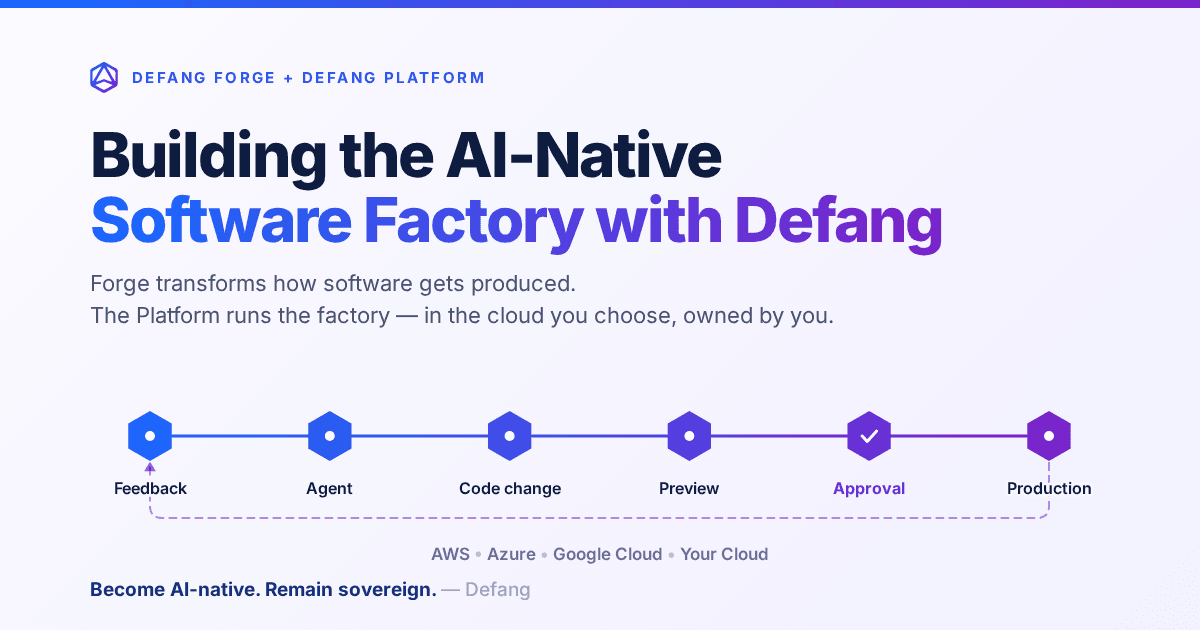
Building the AI-Native Software Factory with Defang
Building an AI-native software factory takes more than a coding agent. It takes people, agents, tools, infrastructure and governance working as one system—and it should belong to you. Here's how Defang Forge and the Defang Platform fit together.
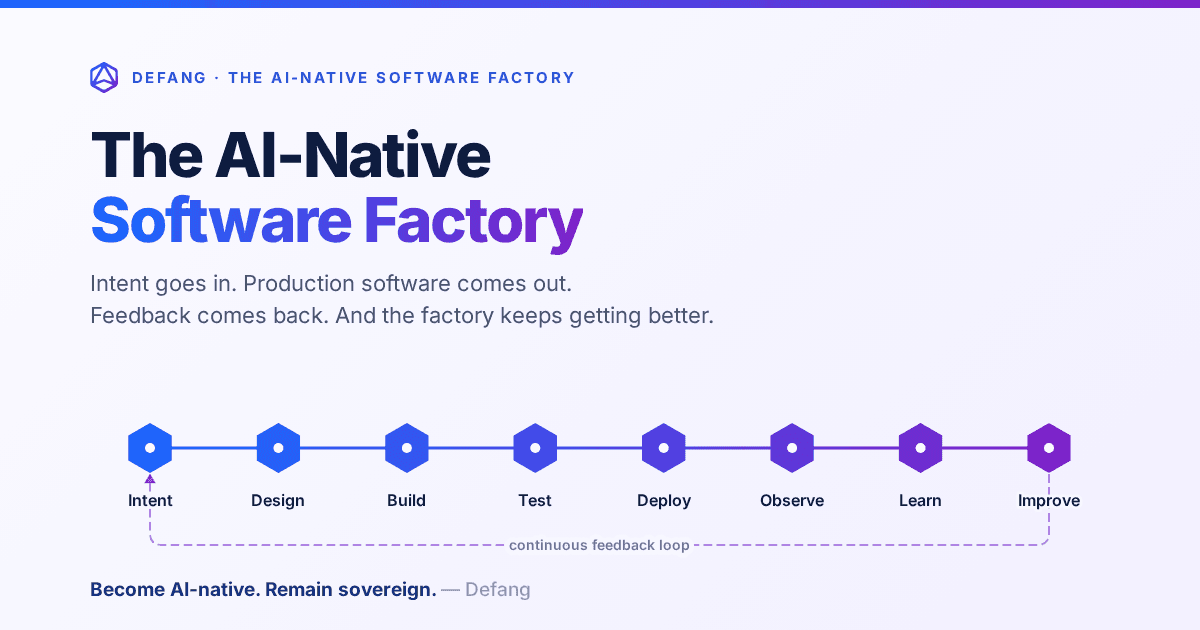
The AI-Native Software Factory
For decades, a true software factory was mostly aspirational. AI changes that: an end-to-end system that continuously turns intent into production software—and production feedback into the next improvement.
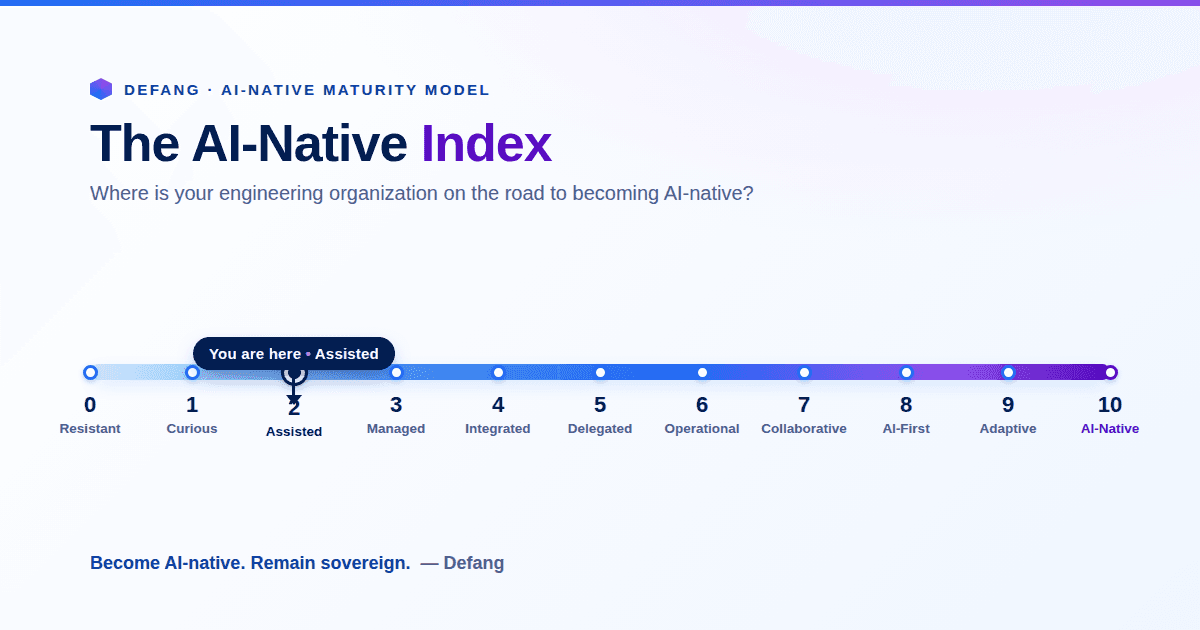
The AI-Native Enterprise: Redesigning Engineering for the AI Era
The next wave of competitive advantage won't come from adopting another AI tool. It will come from redesigning engineering around humans and AI agents working together, while preserving engineering sovereignty.