Defang Blog
An AI Agent That Reads Your Repo and Writes Your Compose File
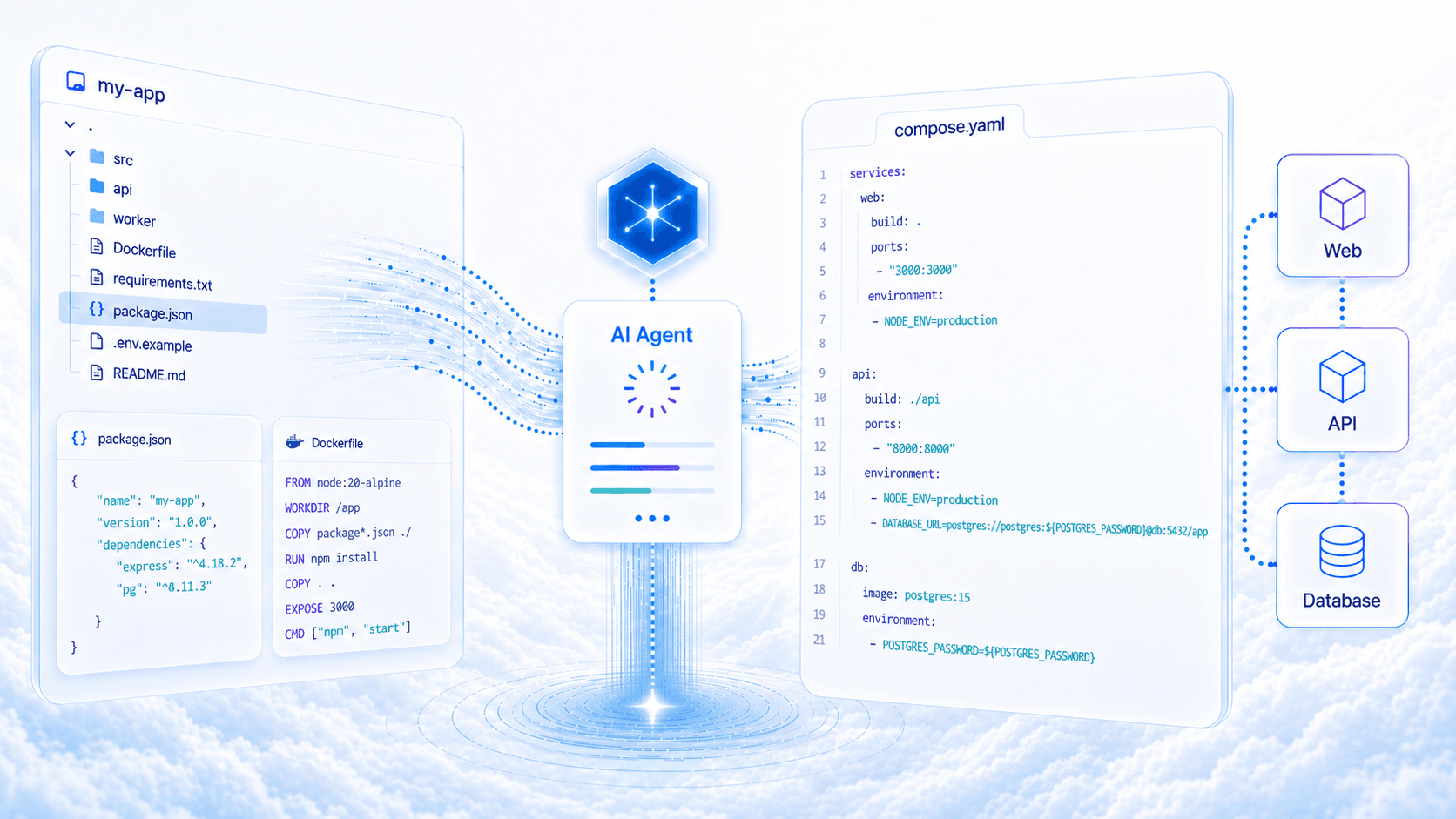
The Defang Portal now includes an AI-powered Compose file generator. Point it at a GitHub repo, and an agent analyzes your code, reads your dependencies, and produces a production-ready compose.yaml. You can also watch the work happen in real time.
You have a GitHub repo and you want to deploy it, but you don't have a Compose file yet. Writing one usually means reading through the codebase, figuring out which services need to exist, what ports they listen on, which environment variables they expect, and whether you need a database. None of that is especially hard. It just takes time you could spend building.
The Defang Portal can now do that part for you. Connect a GitHub repo, and an AI agent reads your code, identifies your services, and generates a compose.yaml that's ready to deploy. It takes seconds, and you can watch what it's doing as it goes.
From Repo to Compose File in Four Steps
The generator is part of the Portal's "Deploy from GitHub" flow. When you connect a repo that doesn't already have a Compose file, the Portal offers to generate one:
- Click "Generate" in the project setup step
- Watch the agent explore your repository and reason about your stack
- Review the generated
compose.yamlin a built-in editor - Accept the file and continue straight to deployment
There is no extra tool to open and no YAML to write from scratch. You go from "I have code" to "I'm deploying" in one flow.
What It Looks At
The agent doesn't guess from the repo name. It explores the codebase: browsing the file tree, reading Dockerfiles and dependency manifests, and searching for port bindings and environment variable references. If your code calls process.env.DATABASE_URL, the agent finds it and adds the right config to the Compose file.
It also draws on Defang's curated sample library and real-world deployment patterns. If your stack looks like a Next.js frontend with a Python API and PostgreSQL, the agent has seen that shape before and knows what a working Compose file usually needs.
The result is not a generic template. It's a Compose file tailored to the code in your repo, with build contexts, ports, dependencies, and database extensions already filled in.
Watch It Work
Most AI features show you a spinner and then a result. This one streams the agent's process to your browser in real time. You see which files it's reading, what it's searching for, and how it is interpreting your project.
That visibility matters. If the agent makes a wrong assumption about your project, you'll usually see where it happened before it shows up in the output. The generated file is easier to review because you can see how it got there.
Edit Before You Deploy
The generated YAML opens in an editor with live validation. A green checkmark means valid Compose syntax. A red X means something needs fixing. You can add environment variables, adjust port mappings, or change image tags. Validation updates as you type.
When it looks right, click "Use this compose file" and the deployment wizard continues as if you had written the file yourself. Pick your cloud provider, configure your stack, and deploy.
Not happy with the output? Hit "Regenerate" for a fresh attempt.
Built on Vertex AI and Mastra
The generator runs on Google's Vertex AI using Gemini 2.5 Flash. The agent framework is Mastra, which coordinates the workflow of exploring a repo, generating YAML, and validating the result.
Validation happens in two stages. First, Defang checks syntax and structure, including valid YAML, port modes, and database extensions. Then it cross-references the Compose file against your repository to make sure build paths exist and service dependencies are valid. If either check fails, the agent retries with the error context, up to three attempts.
Try It
Go to the Defang Portal, connect a GitHub repo that doesn't have a compose.yaml, and click "Generate." Watch the agent work, then review what it produces.
Questions or feedback? Open an issue or find us on Discord.
Related posts
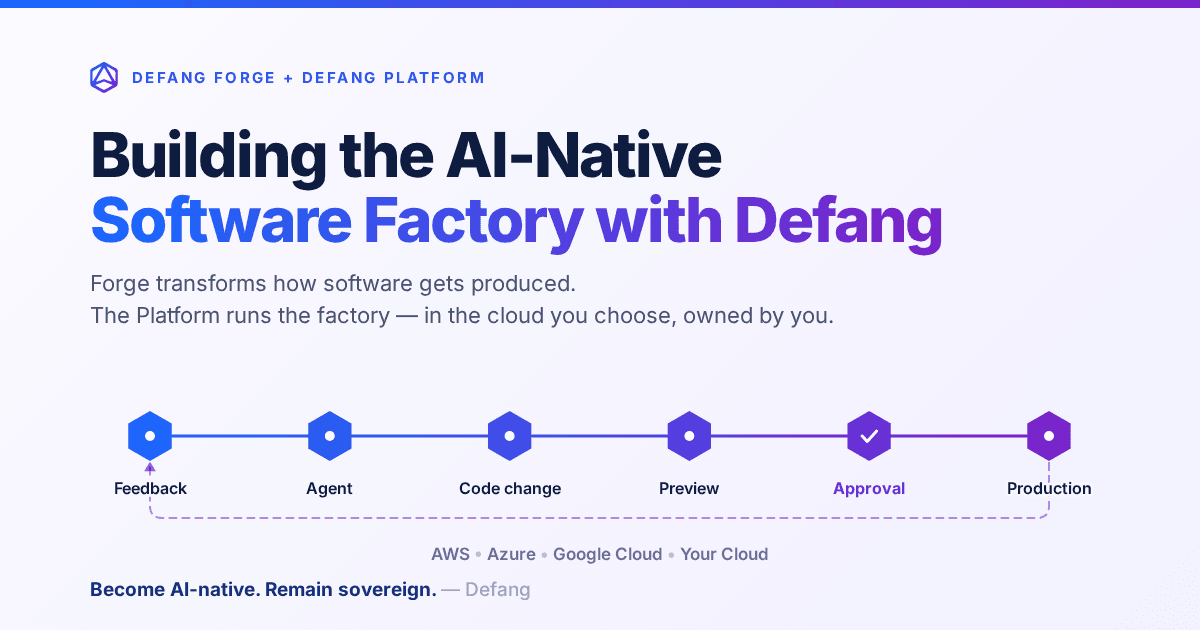
Building the AI-Native Software Factory with Defang
Building an AI-native software factory takes more than a coding agent. It takes people, agents, tools, infrastructure and governance working as one system—and it should belong to you. Here's how Defang Forge and the Defang Platform fit together.
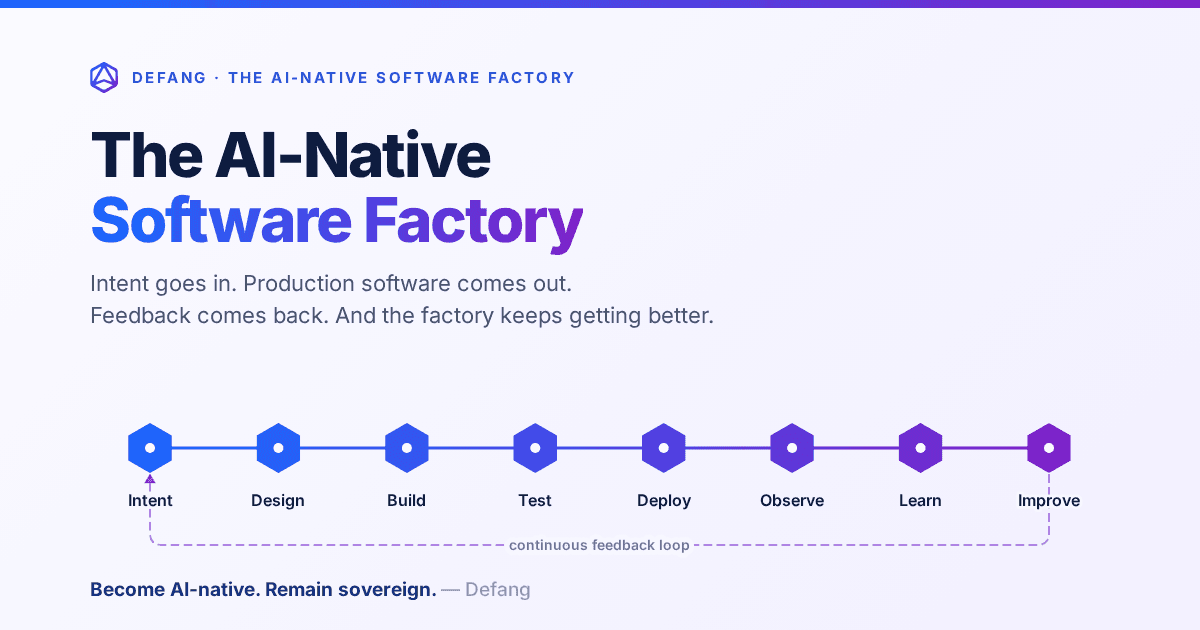
The AI-Native Software Factory
For decades, a true software factory was mostly aspirational. AI changes that: an end-to-end system that continuously turns intent into production software—and production feedback into the next improvement.
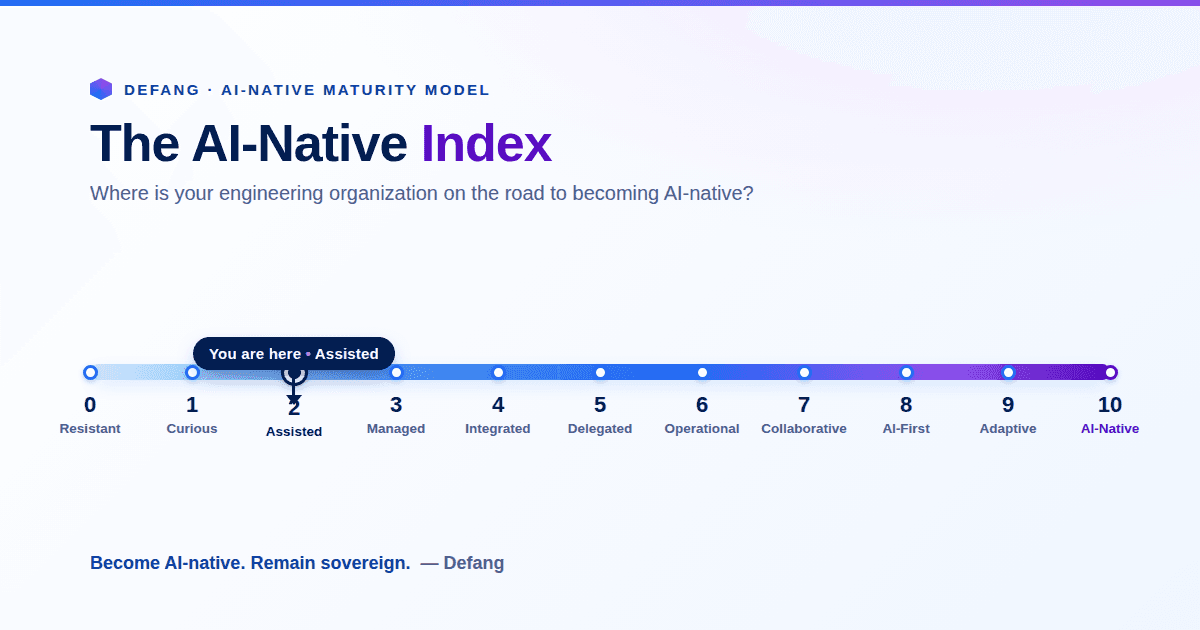
The AI-Native Enterprise: Redesigning Engineering for the AI Era
The next wave of competitive advantage won't come from adopting another AI tool. It will come from redesigning engineering around humans and AI agents working together, while preserving engineering sovereignty.