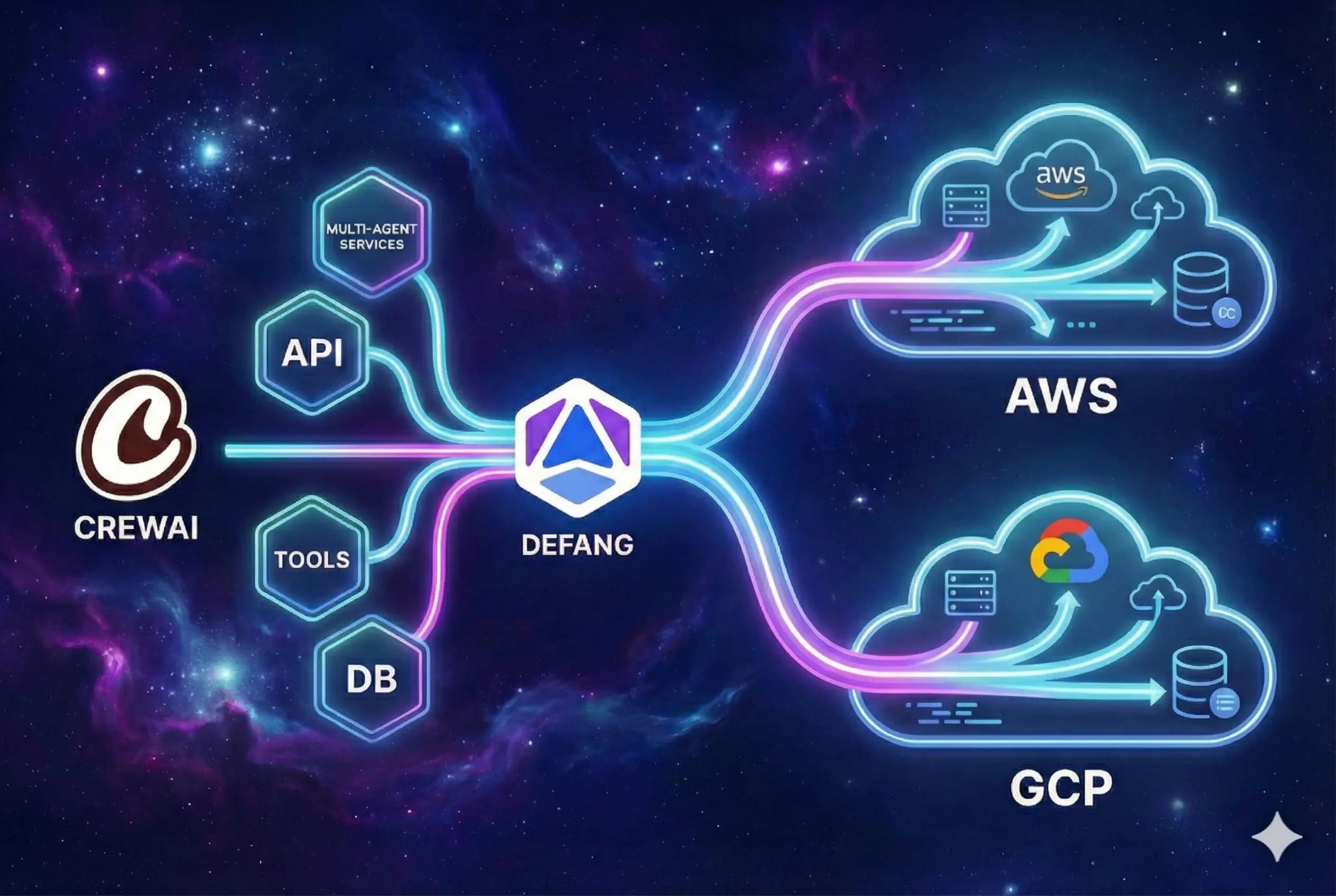
Built for multi-agent CrewAI architectures
CrewAI applications rarely stop at a single process. You have web frontends, background workers, brokers, and databases, all of which need to be wired together across environments. Defang gives you a simple path from your docker-compose.yml to secure, repeatable cloud deployments.
Describe your stack once
Express your Django/FastAPI app, CrewAI workers, Redis, and Postgres in a single Compose file. Defang uses that same description for local dev, staging, and production so you do not have to maintain parallel configurations.
Use managed inference in your cloud
Because Defang deploys your CrewAI services inside your own AWS or GCP account, your agents can call managed inference such as Amazon Bedrock or Vertex AI using existing IAM, networking, and billing instead of routing requests through third party gateways.
Agent‑aware operations
Use Defang's Model Context Protocol (MCP) server to let AI coding agents in your IDE deploy and manage CrewAI services: check statuses, redeploy, or destroy test environments from a chat window.
How it works
You keep building your Crews and Flows in Python. Defang uses Docker Compose and a small CLI to handle everything from image builds to cloud resources.
Containerise your CrewAI stack
Add Dockerfiles for your web app and workers, and a docker-compose.yml that defines how they run together with Redis and Postgres. If you prefer, start from the CrewAI + Django + Redis + Postgres sample and customise.
Deploy with a single command
From your repo root, run:
defang compose up --provider=aws
Defang builds images, provisions cloud resources, configures TLS, and exposes your CrewAI app at a stable, HTTPS URL.
Operate and iterate safely
Use Defang CLI and MCP tools to inspect services, roll out new versions, or destroy test environments. Because environments are defined in Compose, spinning up staging or per‑customer stacks is straightforward.
Start from a working CrewAI + Defang template
The official sample pairs CrewAI with Django, Celery, Redis, and Postgres, and ships with a one‑click "Deploy with Defang" button. It's a practical reference for how to structure real‑time multi‑agent workloads on top of Defang.